Your videos already sell. Put them on TV.
- Airs on streaming TV in real living rooms
- You approve the final cut before it airs
- Your budget is the hard cap
Pick the job you want TV to do
Sellers come to Shopside for different reasons.
- Increase shop sales.
- Launch product drops.
- Build brand awareness.
- Retarget your audience.
- Grow your following.
- Drive store traffic.
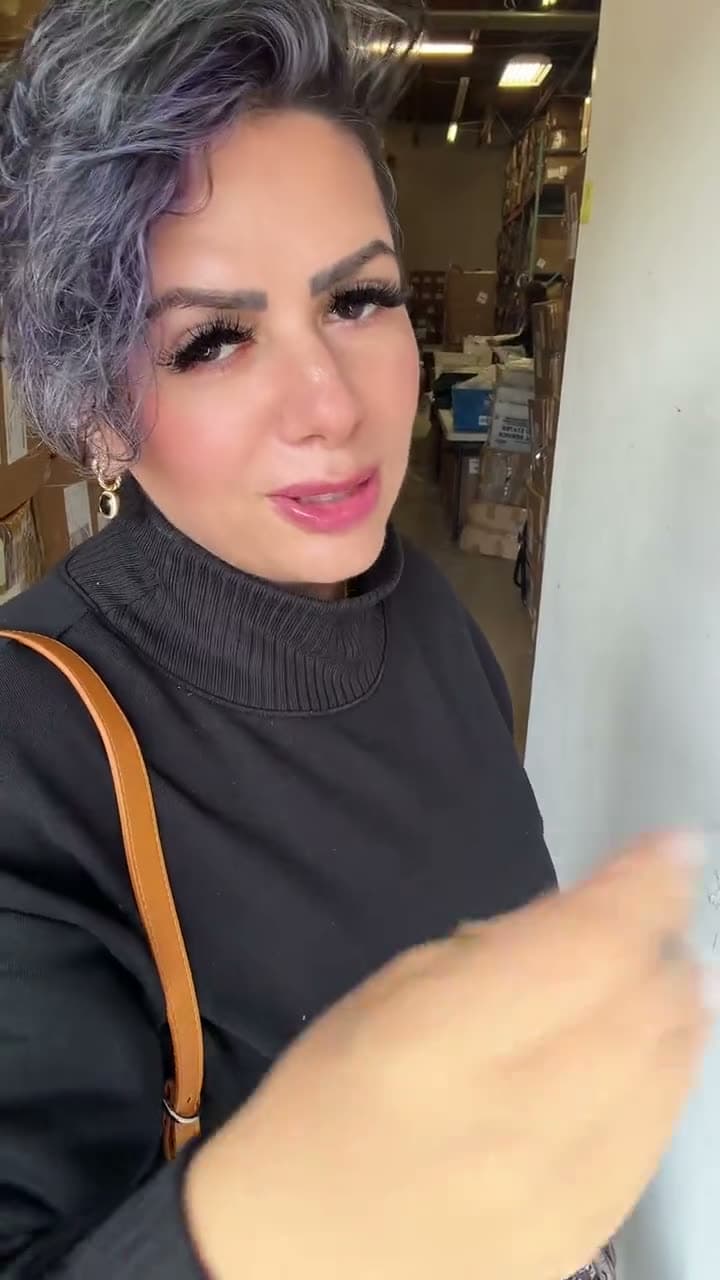
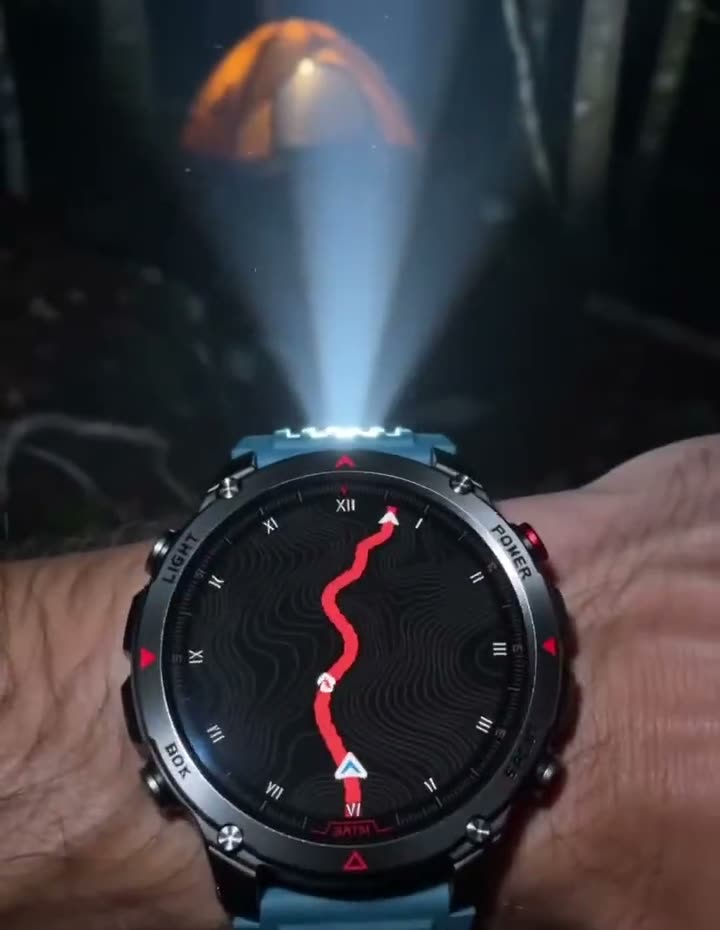
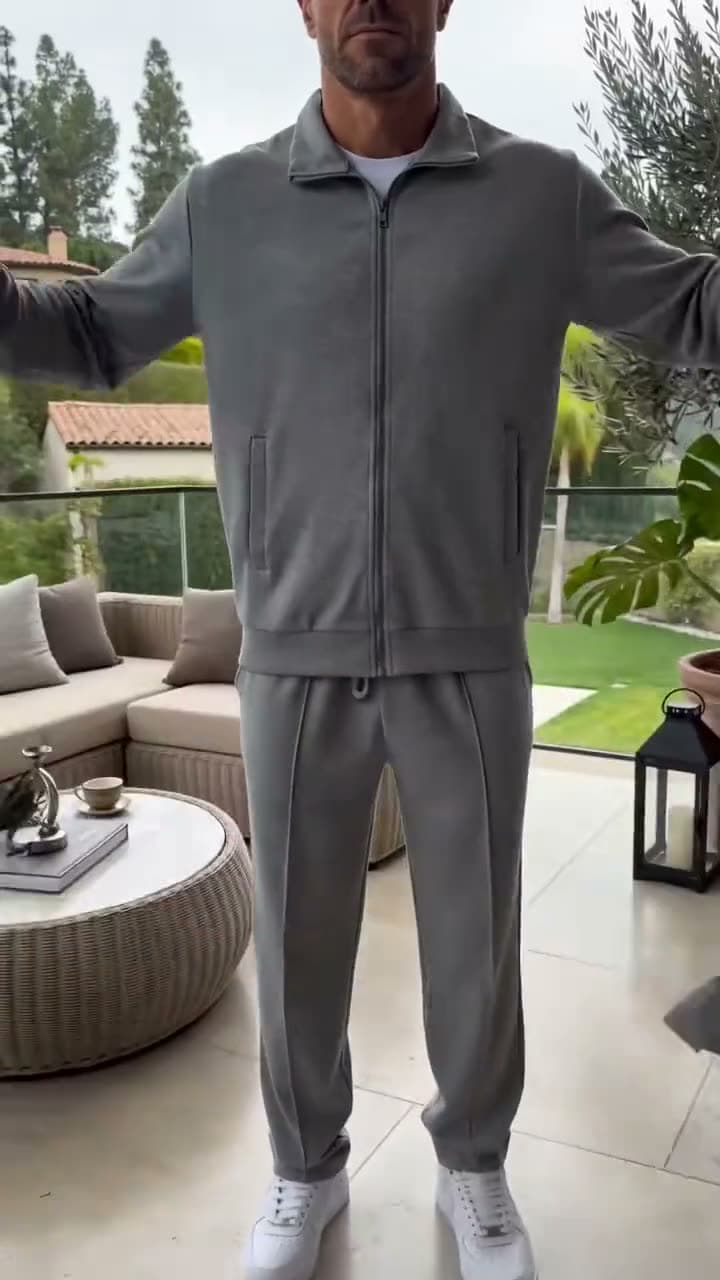
You already made the TV ad. You just called it a TikTok.
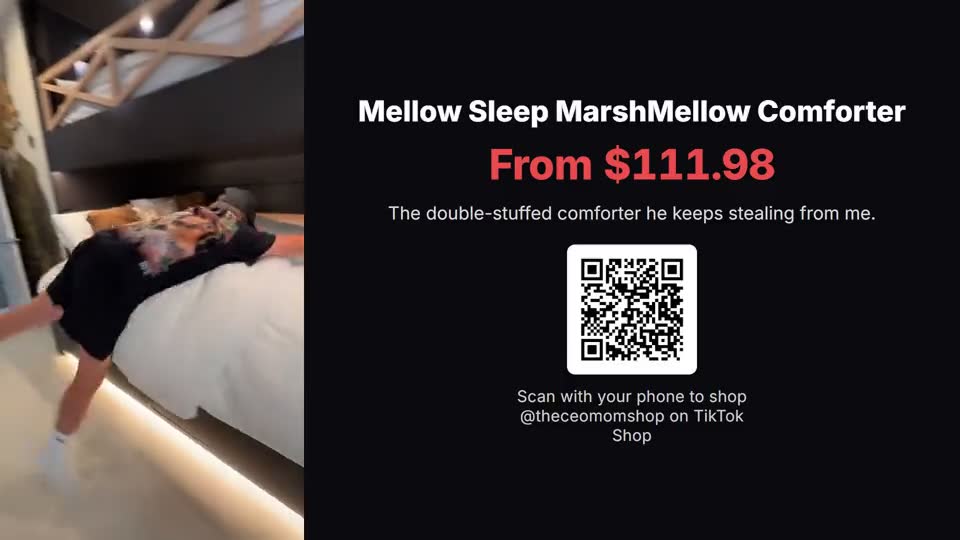
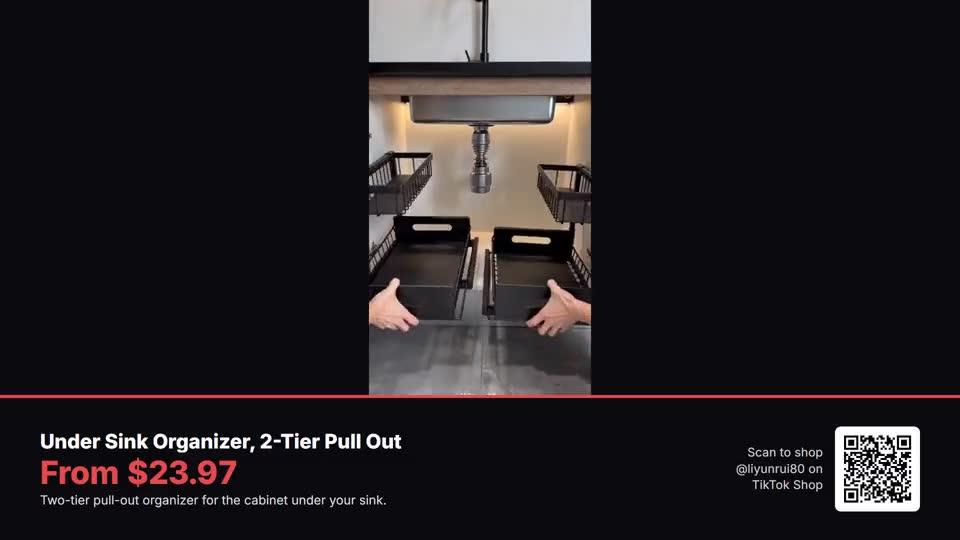
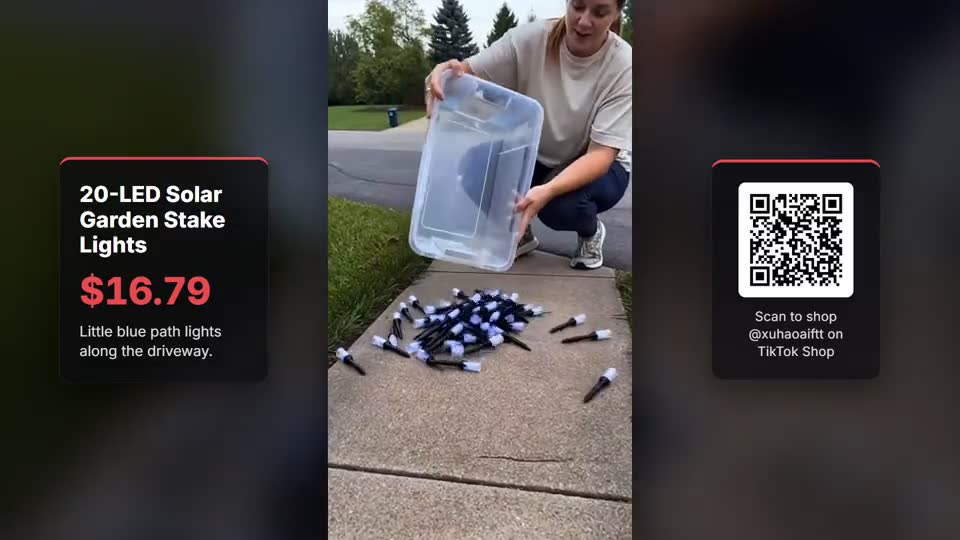
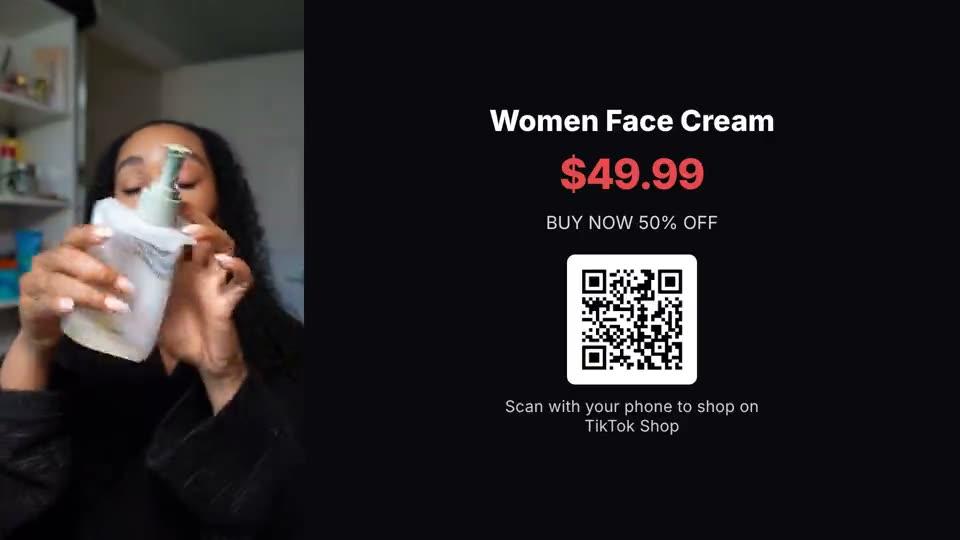
No shoots, no editors, no ad tech. Upload a video that's already converting and we do the rest — rights-checked music, TV framing, a QR end-card back to your Shop — then you approve the final cut before it airs.
- Upload your videoThe original file from your camera roll or editor.
- Reframed for TV + QR end-cardBroadcast framing, cleared music, and a QR back to your Shop.
- Pick your audienceThe genres and regions your buyers already watch.
- Approve and go liveNothing airs until you've watched the final cut and signed off.
The build runs on our side — rights check, reframe, encode. If we swap the music, you hear the cleared track in the final mix before you sign off. Your approval is the last gate before it airs.
Upload a video you already made
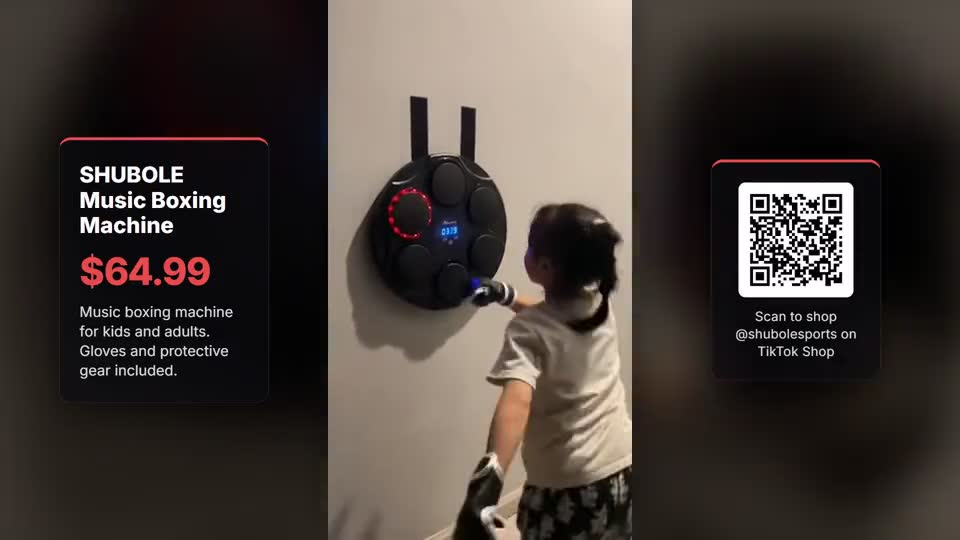
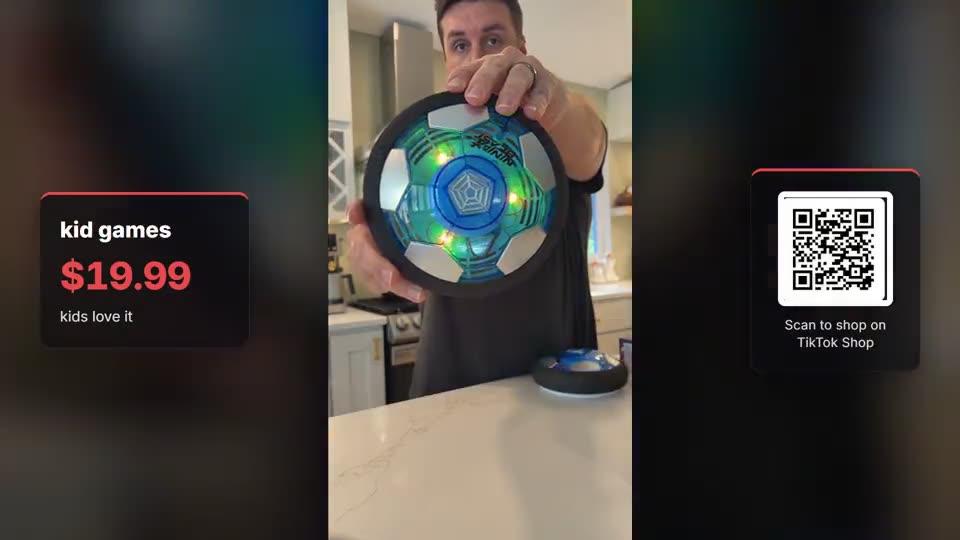
Pick a TikTok that's already converting and upload the original file. This is what our pipeline turns it into — the same product card and QR end-card on every spot.
Pick your audience
Streaming's biggest shelf — 500+ channels, from live sports to late-night cooking. Choose the genres that fit your buyers; inventory is pulled live from our streaming partners when you build your campaign.


Entertainment
- Films
- Reality
- Comedy
- Music
- Series
- Family
- Docs
- Gaming
Sports
- Live
- Talk
- Racing
- College
- Outdoor
- Fitness
- Combat
- Replays
News & lifestyle
- News
- Local
- Markets
- Weather
- Cooking
- Travel
- Science
- Shopping
You choose which genres your spot runs in when you build a campaign — picked from live inventory at the time, inside your account.
Set a budget. It's a hard cap, not a suggestion.
Slide to the monthly spend you're comfortable with and see the kind of reach it buys. You approve the total before anything airs, and the campaign never spends a dollar past it.
Estimated impressions
71.4K–138.9K
at CPMs between $18 and $35
Living rooms that could see it
~23.8K–46.3K households
assuming a few views per household over the campaign
What you'd actually pay
- Media budget — spent in full on airtime
- $2,500
- Shopside platform fee (12%, illustrative)
- + $300
- Total — your hard cap
- $2,800
Illustrative math, not a quote — impressions and CPMs here are broad industry ballparks. Real reach numbers come from our streaming partners' forecasting when you build a campaign.
See what your budget did, in plain language
One report: what aired, what it cost against your hard cap, and how many living rooms scanned their way back to your Shop. No ad-platform console to decode — and the raw numbers are yours to export.
- Spend reconciled against your hard capMedia and platform fee line up against the cap you set in step 4, dollar for dollar. The campaign can't spend past it — and the report shows exactly where it stood when it stopped.
- QR-scan attribution back to your ShopEvery spot ends on a QR code tied to your campaign, so living-room scans show up here as visits to your Shop — not as a mystery referrer in someone else's analytics.
- Plain language, not ad techHouseholds, scans, and dollars — words you already use. If a number would need an acronym glossary, it doesn't make it into your report.
Where the numbers come from
- TikTok Shopyour source videos
- Streaming TVdelivery & spend
- CSV exportyour spreadsheets
- Webhooksyour own dashboards
Reporting reads from the two places your campaign actually lives — TikTok Shop for the videos it starts from, the streaming platform for delivery and spend — and everything exports as CSV or streams over webhooks if you'd rather watch it in your own dashboards.
Video in, ad out — everything else flows back to you
Five connections carry a campaign end to end: you bring the video, streaming TV airs it, and the money and numbers land where you can see them.
- TikTok ShopThe videos you already made, and the Shop your QR end-card sends buyers back to. You upload the original file — we don't pull from your account.
- Licensed music libraryCleared tracks standing by, for when your video's sound isn't licensed for TV.
- Streaming TVWhere your finished spot airs — and where every dollar of spend gets reported back from.
- Payments by StripeWallet top-ups in, one itemized receipt out: media, platform fee, total.
- CSV + webhooksThe raw numbers, flowing into your own spreadsheets and dashboards.
Your TikTok already sells. Let it sell from the biggest screen in the house.
Pick the video, set the cap, approve the cut — we handle the rest, from rights-checked music to the QR code back to your Shop.
500+ streaming channels
Streaming's biggest shelf. Pick the genres your buyers already watch.
Media + fee, itemized
One receipt — media spend, platform fee, total. Your budget is the hard cap.
Nothing airs unapproved
You sign off on the final cut before a single living room sees it.
Live on streaming TV today — more platforms coming online.